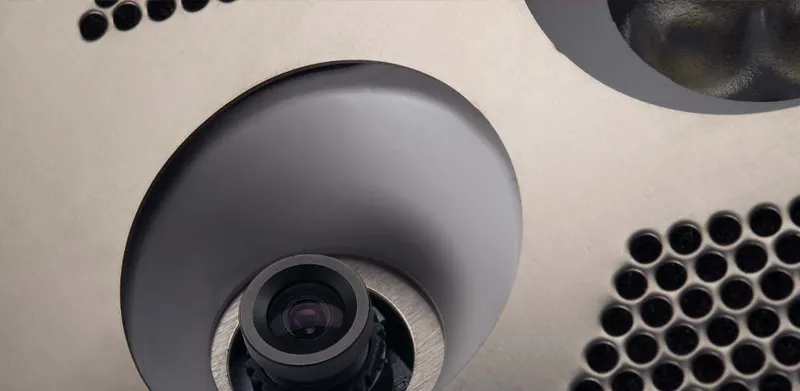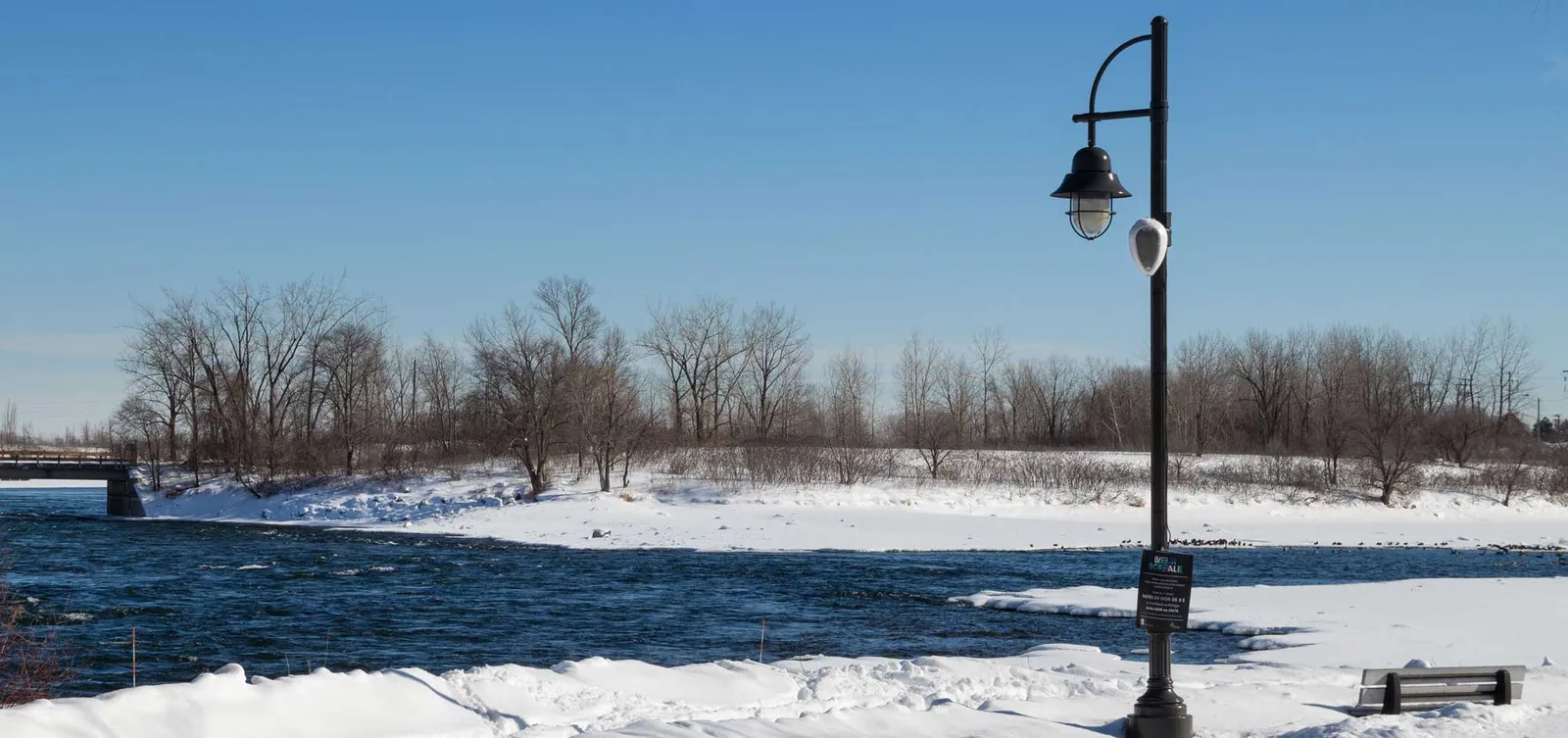
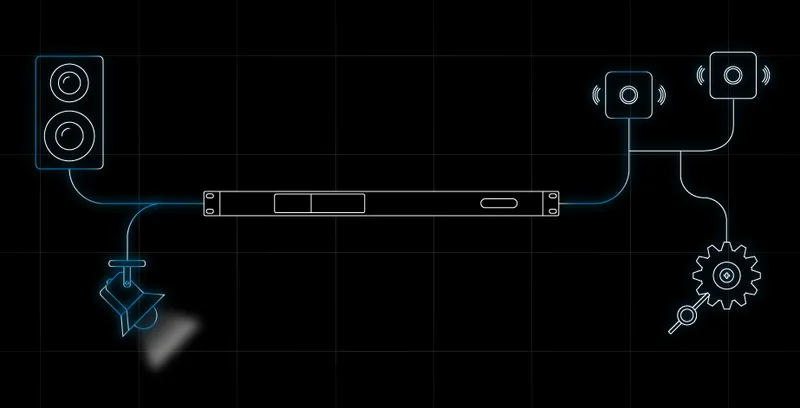



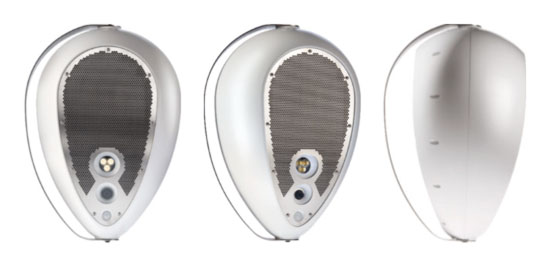
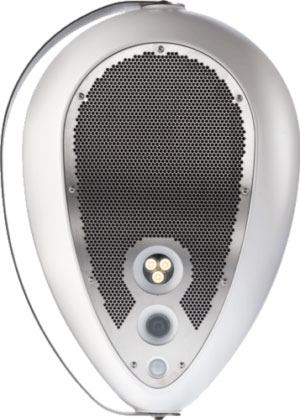
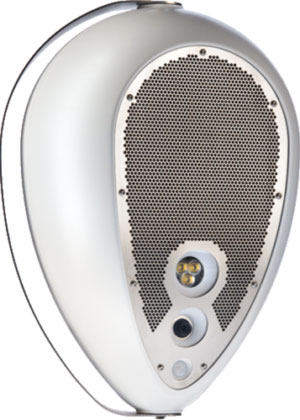
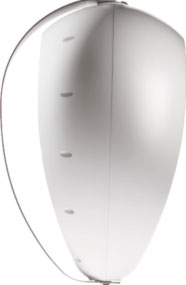
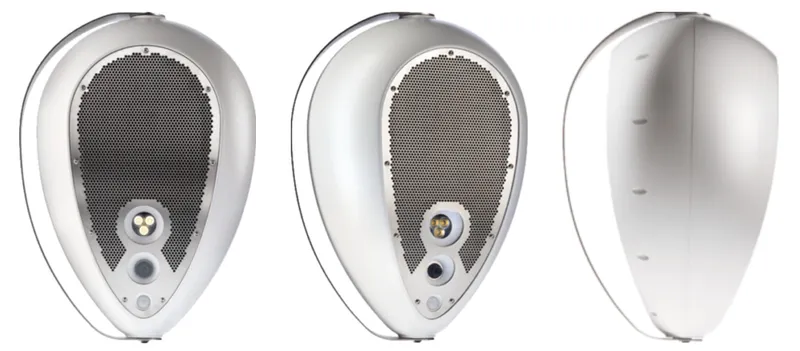
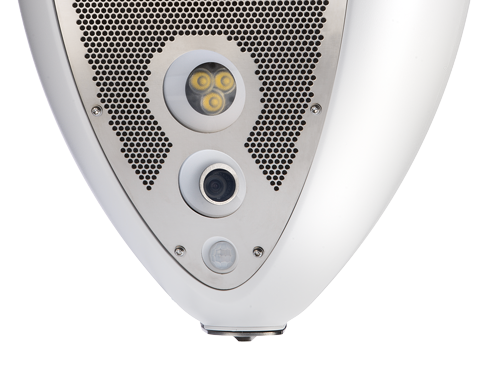
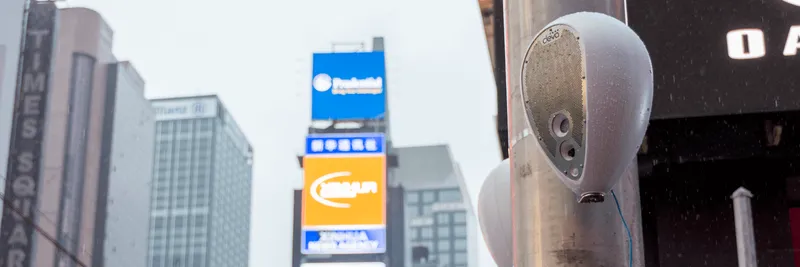
Deva offers IT Managers and technical urban designers the ability to integrate entertainment and safety services through a single AV device that can be easily deployed anywhere, even where wiring could be difficult.
Its camera, high-powered speaker, and multiple sensors are designed to complement each other and to interact with third-party applications to enable automated and direct interaction with the public, ensuring safe access to outdoor urban spaces, privately owned public parks, and school areas.
Target Applications


Software
Installation notes for DSM (Deva System Manager) release 22.12.14
1. DSM runs on Ubuntu 18.04 LTS (64 bit).
2. Ubuntu 17.04 is no longer supported.
3. Please upgrade first the Deva onboard software, and then proceed to upgrade DSM.
Installation of Deva onboard software
Download the latest Deva software version from the Downloads section below ("Onboard software for Deva"). To perform the update, follow the instructions in the user manual.
Installation of Deva System Manager
Read "Deva - Software installation guide" in the Downloads section below to get the full procedure.
Update of Deva System Manager
1. We recommend a backup before proceeding.
2. Update onboard software on all your DEVAs.
3. From the DSM, open a Terminal (Ctrl+Alt+T).
4. Execute: wget http://packages.powersoft.it/Devabiz_Install.run; chmod +x Devabiz_Install.run; sudo ./Devabiz_Install.run
5. Restart the System.
If an update is present for the DSM, the Ubuntu Update Center should notify an update for the "devabiz" package. Otherwise, run on Terminal: sudo apt-get update && sudo apt-get upgrade